
- Last Updated

Purchasing in a Game
 STOVE Sign-up
 STOVE Login
 Device
 Game Entry
 Payment
 Other Settings
 Cancel Game
 Withdrawal
Service Overview
Users can buy items, cash, and subscription products in a game and receive the purchased product right away in the game. Payment is made through the STOVE payment window on PC and through each market's in-app purchase on mobile, so users can pay within the same game no matter which device they play on. After payment, STOVE also handles payment confirmation and refunds so that products are delivered safely.
| Item | PC | Mobile |
|---|---|---|
| Supported platforms | Windows | Android, iOS |
| Supported markets | STOVE (PC) | Google Play, Apple App Store, etc. |
| Supported payment types | General product purchase | General product purchase Subscription purchase — Google Play / Apple App Store (SDK v2.6.0+) |
| User condition | Registered members only (guests cannot pay) | Both registered members and guests can pay |
| Minor restrictions | South Korea (KR): payment amount and time-of-day restrictions for adolescents (under year-age 19) | |
Payment Basics
STOVE provides multi-platform payment supporting both PC and mobile. Payment is made through the STOVE payment window on PC and through each market's in-app purchase (IAP) window on mobile, and the currency, methods, and limits apply differently by platform.
| Item | PC payment (STOVE payment window) | Mobile payment (market IAP) |
|---|---|---|
| Currency | Sign-up country's currency (KRW / USD / JPY, etc.) |
The currency set on the market account |
| Payment methods | Korea: STOVE Pay, quick pay, card, etc. Global: PayPal, card, Apple Pay, etc. |
The payment methods registered on the market account |
| Payment limit | Korea: adults self-set, minors KRW 70,000/month Japan: limits by age Others: no separate limit |
No separate limit (in Japan, combined with PC) |
| Confirmation and proof | Email notice, STOVE [My Info], cash receipt | Market payment history and receipt |
| Cancellation and refund | Based on the withdrawal period and whether the product was used (the withdrawal period varies by game) |
Based on the market's refund policy (a user-only cancellation is treated as a voided refund) |
* For cash-equivalent amounts paid via Google Wallet, a cash receipt is issued automatically by Smilegate, the final point of use.
Key Concepts
| Term | Details |
|---|---|
| IAP (In-App Purchase) | ㅁ Mobile in-app purchase ㅁ Processed through each market's payment system (Google Play, Apple App Store, etc.) |
| TID (STOVE Billing payment order number) | ㅁ A unique order number issued for each payment ㅁ Stored on the game server to prevent duplicate delivery |
| Payment completion notification (Noti) | ㅁ A product-delivery request sent by STOVE Billing to the game server after payment completion ㅁ Resent up to 100 times (at 1–5 minute intervals) on failure |
| Voided refund (Voided Purchase) | ㅁ When a user cancels a payment directly in the market after receiving an item ㅁ When a lookup request comes from the game, STOVE Billing passes the stored list of refunds subject to re-payment to the game server ㅁ The 5-minute delivery method is scheduled to be discontinued, and the refund/re-payment process may change |
| Subscription product | ㅁ A payment product that auto-renews at a set cycle ㅁ Supported on Google Play and Apple App Store; requires SDK v2.6.0 or higher |
Usage Scenarios
Purchasing an Item
When a user selects an item or cash in the in-game store and pays, the item is delivered to the game shortly after. What the user experiences is the short flow of 'select in store → pay in market → receive item,' while in between, payment verification and delivery are handled automatically by STOVE Billing and the game server.
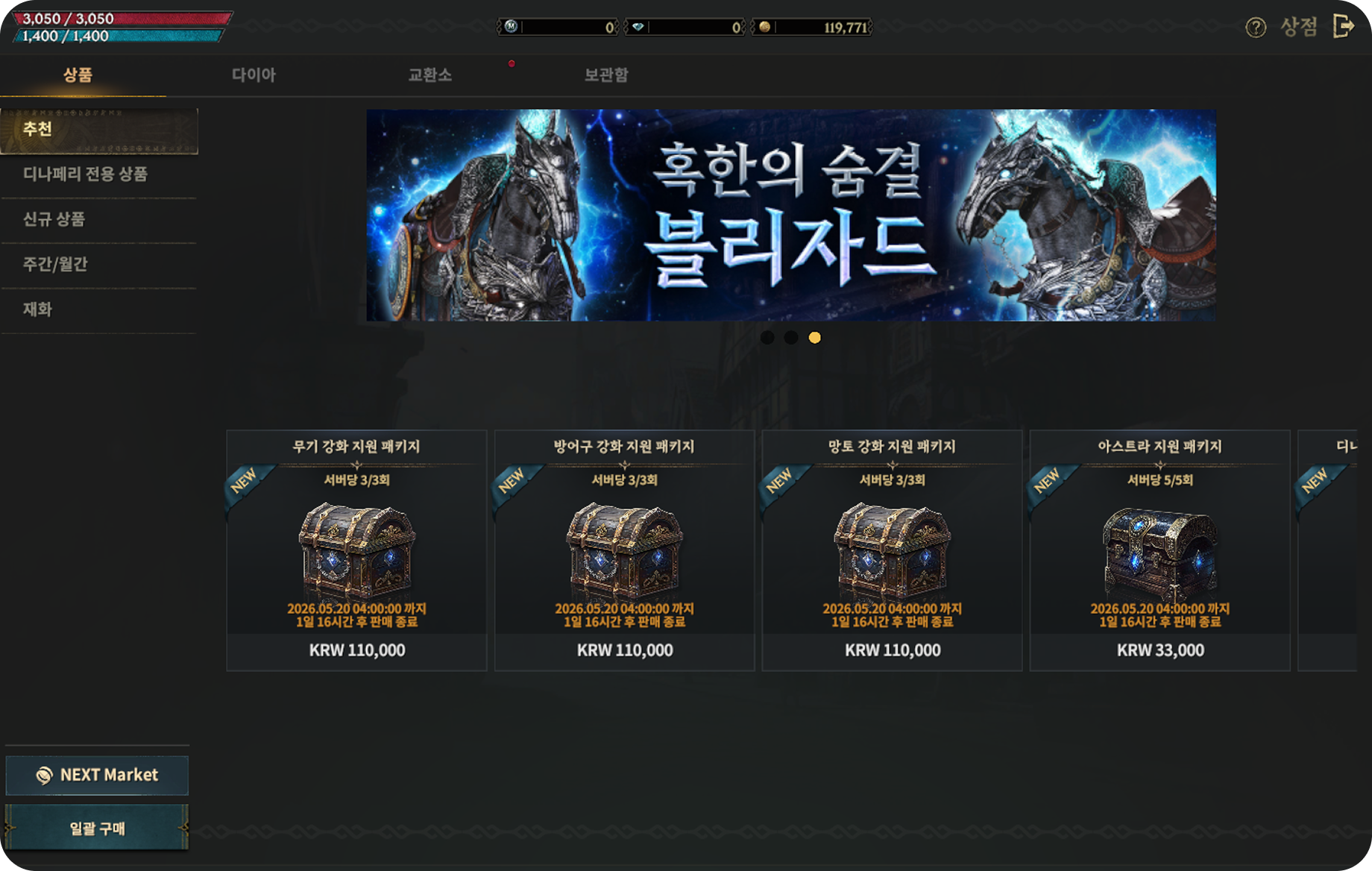
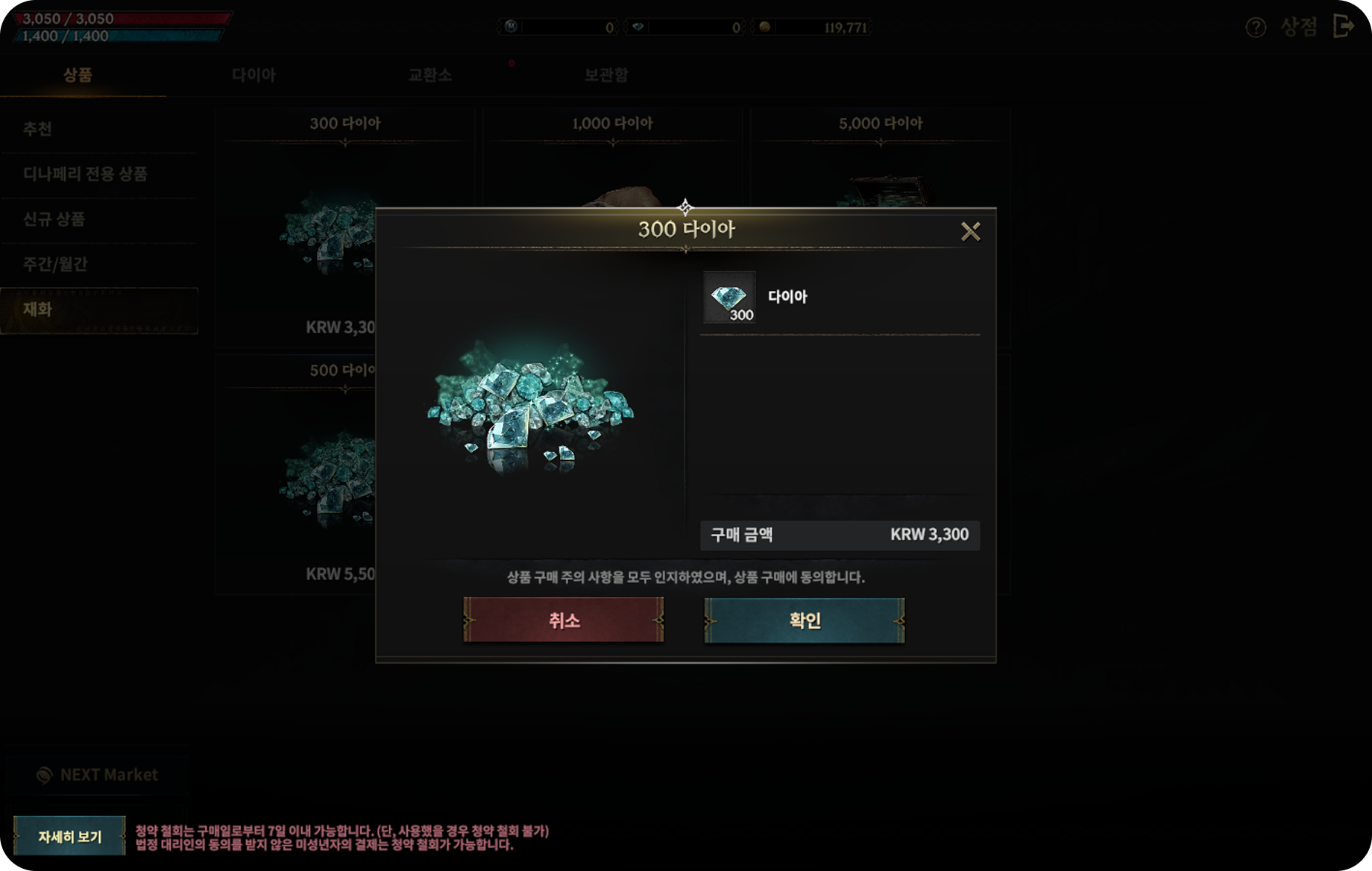
| Step | Actor | Details |
|---|---|---|
| 1 | User → market | Complete the in-app purchase in the market |
| 2 | STOVE Billing → game server | Send the payment completion notification (Noti) |
| 3 | Game server | Verify payment validity (check for duplicates by TID) |
| 4 | Game server → user | Deliver the item to the user after granting it |
Keep this in mind
ㅁ The TID (STOVE Billing payment order number) must be stored and managed on the game server.
ㅁ The same payment notification may be resent, so logic that prevents duplicate delivery based on the TID is needed.
ㅁ If it still fails after being resent up to 100 times, you can deliver manually in Partners.
Redeeming a Coupon for Rewards
When a user enters a coupon number received through an event, pre-registration, marketing, etc., they receive in-game items or cash as a reward. Where to enter it differs by platform; on iOS it cannot be entered directly within the app, so the STOVE website or the game's official homepage is used.
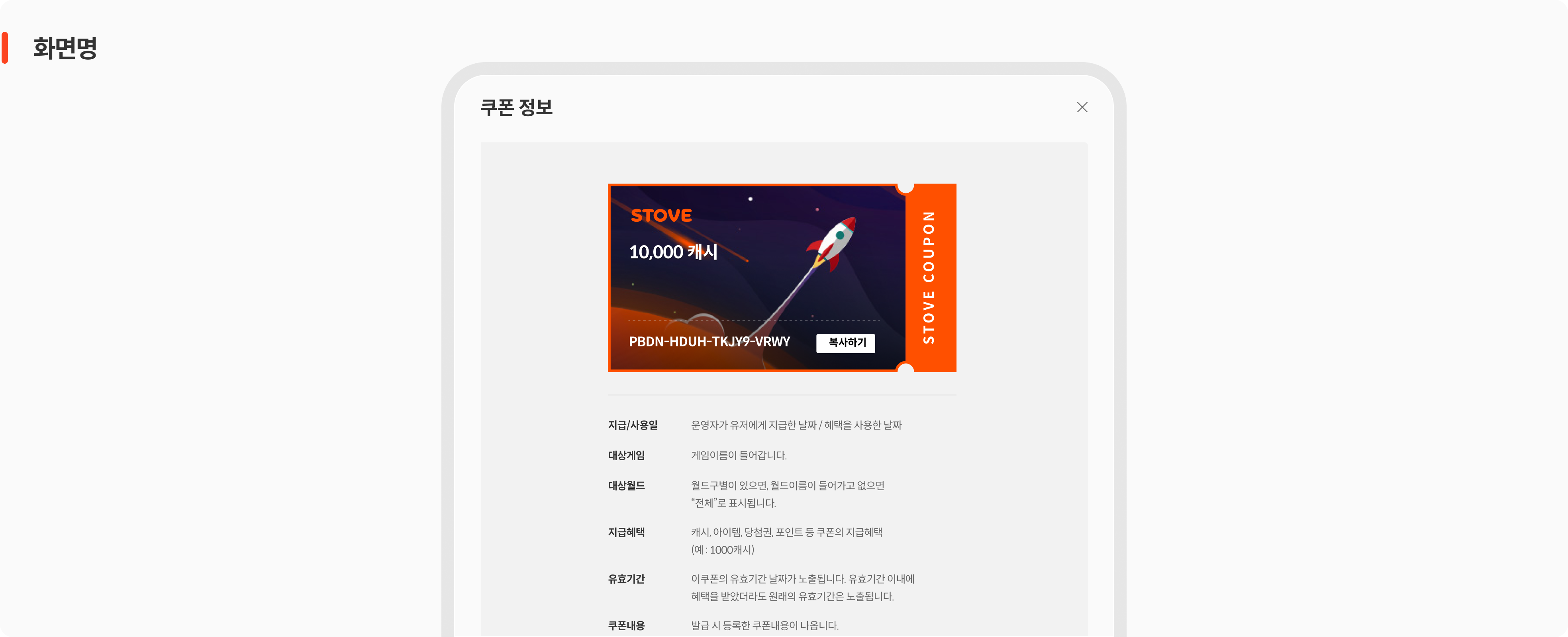
| Platform | Coupon entry path | Notes |
|---|---|---|
| Android (mobile) | In-game coupon registration button → SDK coupon popup | In-game popup recommended |
| iOS (mobile) | STOVE website coupon box or the game's official homepage | Cannot be entered directly in the app |
| PC (Windows) | SDK coupon popup, or the STOVE website / game's official homepage | SDK popup available only for multi-platform games |
| Web | STOVE website coupon box / the game's official homepage | STOVE login required |
| Step | Actor | Details |
|---|---|---|
| 1 | User → game client | Enter the coupon number (in-game popup or web) |
| 2 | STOVE platform | Check coupon validity (expiration, duplication, delivery conditions) If invalid, show an error notice |
| 3 | STOVE ItemBox → game server | Pass the product-delivery information to the game server Resent up to 5 times at 10-minute intervals on failure |
| 4 | Game server → user | Notify the user of completion after granting the product |
| Situation | Handling |
|---|---|
| Entering an expired coupon | Returns an error; no delivery request to the game server |
| Re-entering an already-used coupon | Returns a duplicate-use error and notifies the user |
| ItemBox transmission failure | Resent up to 5 times at 10-minute intervals Since the transaction_id is the same, the game server must guard against duplicates |
| Delivery failure due to maintenance or an incident | Can be manually reprocessed in Partners |
Keep this in mind
ㅁ Store the transaction_id on the game server to prevent duplicate delivery. If an already-delivered request comes again, respond with return_code "0".
ㅁ Mapping multiple items to a coupon increases the number of delivery requests accordingly. We recommend bundling them into a package product so they are received at once.
Purchasing a Subscription
Once a user purchases a subscription product, it automatically renews at the set cycle and the benefits continue. It is supported on Google Play and Apple App Store, and only auto-renewing subscriptions are offered.
* Integration requires SDK v2.6.0 or higher and server-notification settings for each market.
| OS / supported market | Renewal cycle | Subscription type |
|---|---|---|
| Android / Google Play Store | Weekly / 1 month / 3 months / 6 months / yearly | Auto-renewing only |
| iOS / Apple App Store | Weekly / 1 month / 2 months / 3 months / 6 months / yearly | Auto-renewing only |
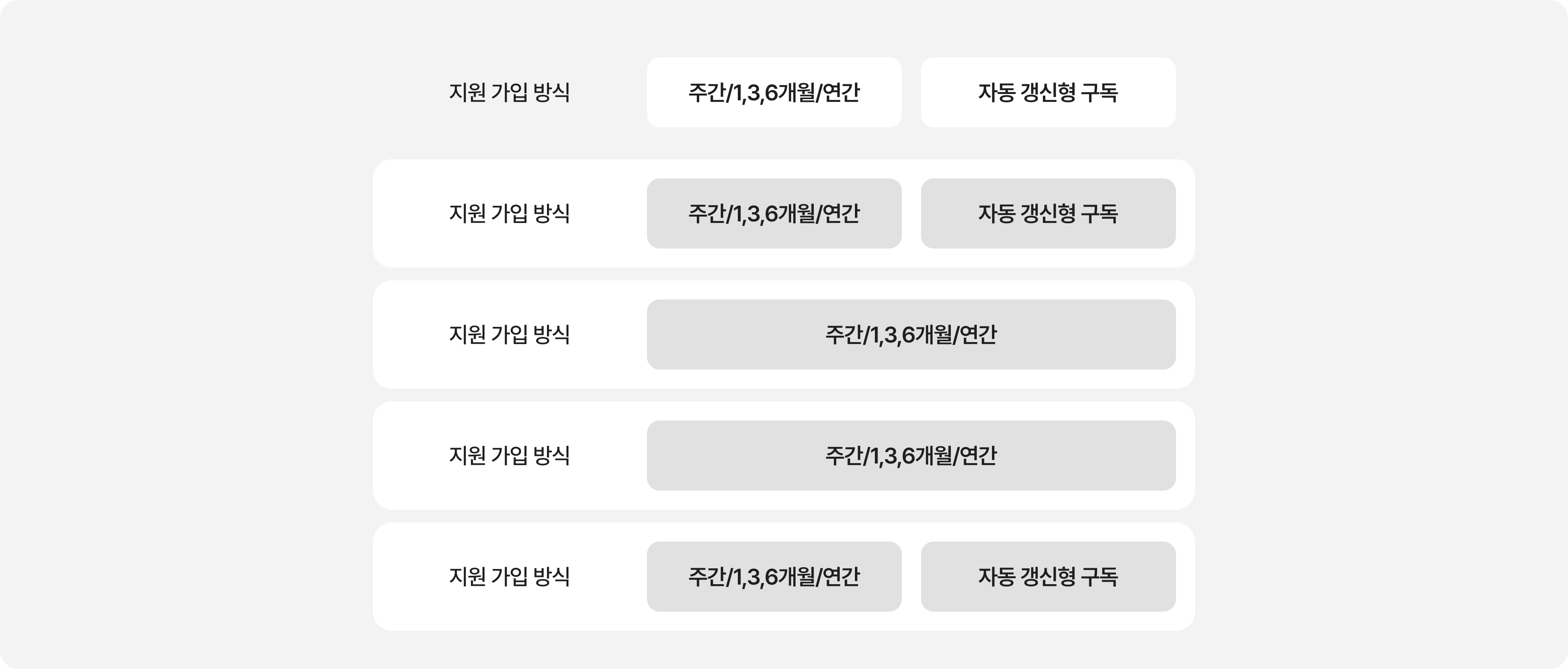
| Market | Where to configure | Required settings |
|---|---|---|
| Google Play | Market console | Register a Pub/Sub Topic and Subscription Set the STOVE Billing server URL as the endpoint |
| Apple App Store | Market console / Partners | Register the server-notification URL (version 2) in App Store Connect |
Keep this in mind
ㅁ Only auto-renewing subscriptions are supported. Non-renewing subscriptions are not supported.
ㅁ As of January 2025, iOS no longer supports the previous server-notification method (version 1).
ㅁ The server-notification URL in App Store Connect must be set to version 2 notifications.
Cancellation and Refund Flow
If a user cancels a payment directly in the market after receiving an item, using the received item as-is must be prevented. STOVE Billing collects these refund records and notifies the game server, and the game studio prompts re-payment or restricts content use.
Refunds are divided into normal refunds and voided refunds by how they are handled.
| Category | Details |
|---|---|
| Voided refund | ㅁ A transaction where the user requested cancellation directly from the market and got a refund, regardless of the in-game operations policy or the announced process ㅁ The purchased items and benefits are not recovered, so it is treated as temporary abuse ㅁ Normal use is possible again once the amount is re-paid |
| Normal refund | ㅁ A transaction canceled after the game operator confirms it is eligible for a refund ㅁ Eligibility is judged comprehensively based on the time elapsed since purchase, item damage/non-use, recovery of remaining items, etc. ㅁ Not subject to re-payment |
Below is the processing flow when a voided refund occurs, where a user cancels a payment directly in the market.
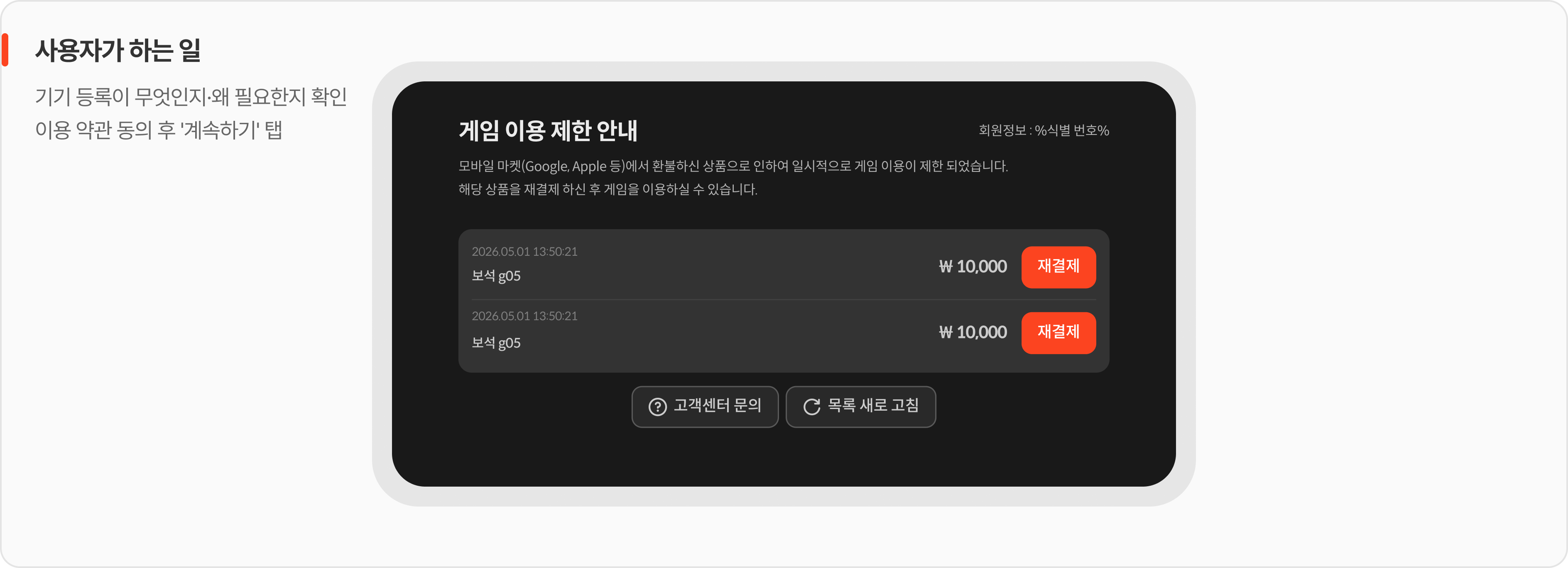
| Step | Actor | Details |
|---|---|---|
| 1 | User → market | Request a refund directly from the market after receiving an item |
| 2 | STOVE Billing → game server | Pass the voided-refund list to the game server every 5 minutes |
| 3 | Game server → user | A re-payment prompt pop-up or content-use restriction On re-payment, the refund is identified by voided_tid and no additional items are granted |
Keep this in mind
ㅁ Re-payment is processed for the purpose of recovering the refunded amount, not for delivering items.
ㅁ Prior consultation with the publishing contact is required before implementing the voided-refund feature.
ㅁ Even for discontinued products, the selling status must be maintained in Partners and the market to handle the re-payment pop-up.
Minor Payment Restrictions
Games serviced in South Korea (KR) are subject to restrictions based on the Game Rating and Administration Committee's rating criteria when adolescent users make payments. Here, an adolescent means someone under year-age 19 (the current year minus the birth year), which differs from the international age. This restriction is applied automatically by the STOVE platform, so the game studio does not need to implement it separately.
| Item | Details |
|---|---|
| Applies to | Users under year-age 19 in games serviced in South Korea (KR) |
| Restriction basis | Monthly payment limit and allowed payment time-of-day restriction |
| Handling | Handled automatically based on the identity-verified age (no game studio implementation needed) |
| User notice | A STOVE notice screen appears automatically when the limit is exceeded or access occurs during a restricted time |
Payment limits differ by billing environment and user type. The following are representative criteria and may vary by each country's laws.
| Billing environment | User type | Limit |
|---|---|---|
| PC billing | Minor | KRW 70,000/month |
| PC billing | Adult | Self-set within a range of KRW 100,000 to 30,000,000/month |
| Mobile billing | Minor | KRW 500,000 top-up per day, refilled the next day after use Guardians control approvals via FamilyLink |
| Mobile billing | Adult | KRW 500,000 top-up per day, refilled the next day after use Effectively no limit |
* In some countries, such as Japan, a separate minor limit may apply under local laws such as the Payment Services Act.
Keep this in mind
ㅁ Minor payment restrictions operate based on the age confirmed by STOVE identity verification (KR).
ㅁ Identity verification is done on PC and web, and for multi-platform games it applies once on first PC launch. In environments without identity verification, age cannot be confirmed, so payment may be restricted.
ㅁ The identity verification process is described in detail in the Signing In document.
Integration Overview
Overall Implementation Flow
| Step | Owner | Details |
|---|---|---|
| Step 1 | Game studio planning team | Decide the scope and pass it to the publishing contact ㅁ Supported markets (Google Play / Apple App Store / Huawei / Amazon / PC) ㅁ Whether to introduce subscriptions ㅁ Whether to handle voided refunds * Subscriptions and voided refunds are supported only on Google Play / Apple App Store |
| Step 2 | Planning team · publishing contact | Configure Partners billing and market information |
| Step 3 | Game studio development team | Client SDK payment integration * SDK v2.6.0 or higher when introducing subscriptions |
| Step 4 | Game studio development team | Implement server-notification receipt and delivery handling |
| Step 5 | Game studio QA team | Verify then deploy (Sandbox → Live) |
Roles and Responsibilities
Distinguishing between the areas STOVE handles and the areas the game studio implements directly for payment integration makes communication with the development team easier.
 What the STOVE platform provides
 What the game studio must implement
Support Scope by Market
| Payment type | Google Play · Apple App Store | Huawei · Amazon | PC |
|---|---|---|---|
| General payment | Supported | Supported | Supported |
| Subscription payment | Supported | Not supported | Not supported |
| Voided-refund collection | Supported | Not supported | Not supported |
Environment Guide
Integration testing must always be done first in the Sandbox environment, and applied to the Live environment only after verification is complete.
| Category | Sandbox | Live (Production) |
|---|---|---|
| API Host | https://api.gate8.com | https://api.onstove.com |
| Web / Platform | https://www.gate8.com | https://www.onstove.com |
| Purpose | For development and QA testing only. No impact on real users | The actual production environment. Deployed after QA is complete |
Checklist
| Category | Role | Check item |
|---|---|---|
| Required | Game client | Verify the STOVE Mobile SDK payment module is applied
|
| Required | Game client | Verify Partners billing integration info registration
|
| Required | Game server | Implement handling for receiving the payment completion notification
|
| Required | Game server | Implement TID-based duplicate-delivery prevention logic
|
| Recommended | Game server | Implement voided-refund re-payment logic
|