'%20stroke-opacity='0.5'%20stroke-width='20.9434'%20stroke-linecap='round'%20stroke-linejoin='round'/%3e%3cdefs%3e%3clinearGradient%20id='paint0_linear_2558_19839'%20x1='170'%20y1='42.5'%20x2='170'%20y2='297.5'%20gradientUnits='userSpaceOnUse'%3e%3cstop%20stop-color='%23B42FFF'/%3e%3cstop%20offset='1'%20stop-color='%230060D0'/%3e%3c/linearGradient%3e%3c/defs%3e%3c/svg%3e)
STOVE STUDIO
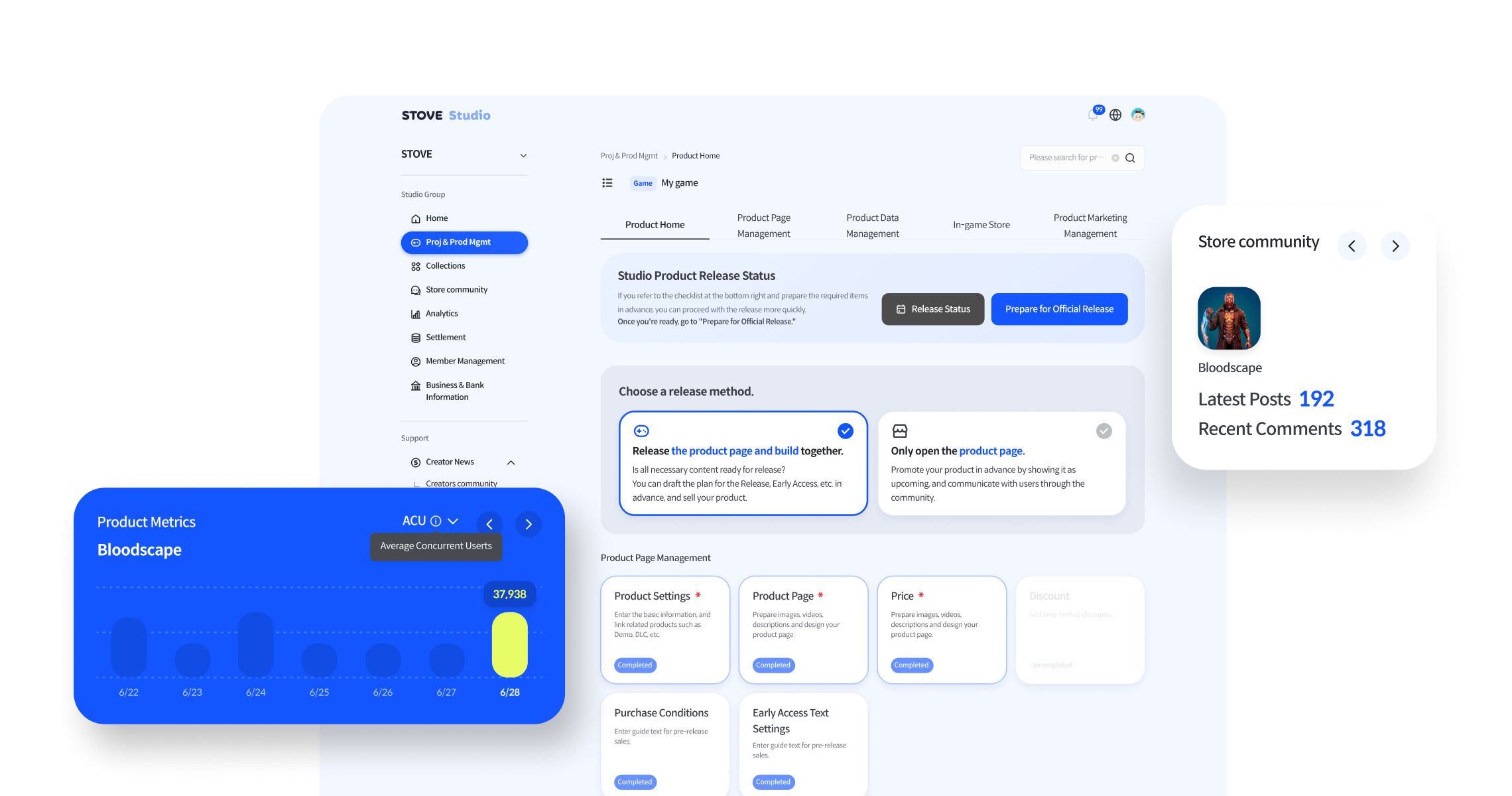
Launch your game on Studio!
Configure your game’s store page, build, and pricing in Studio to publish and launch your game.
Go to Studio
All-in-one Platform
Provides basic configurations for service integration through development environment setup and SDK download/installation, enabling quick preparation of the required environment during the initial integration process.
Supports 3rd-party login methods such as Google, Apple, and Naver, as well as proprietary account-based login and web SSO login, allowing you to configure an authentication structure that fits your service environment.
Supports user authentication and security procedures during sign-up and login through server integration, token validation, identity verification, and mobile phone authentication.
Helps prevent unauthorized use and strengthen account security through device registration and configuration methods.
Strengthens service stability and user protection through security detection and configuration features.
Enhances security and reliability for major functions such as sign-up and login through user identity verification features.
Provides CAPTCHA authentication features to strengthen security verification for major user actions such as login, sign-up, and event participation, preventing abnormal access and automated attacks.
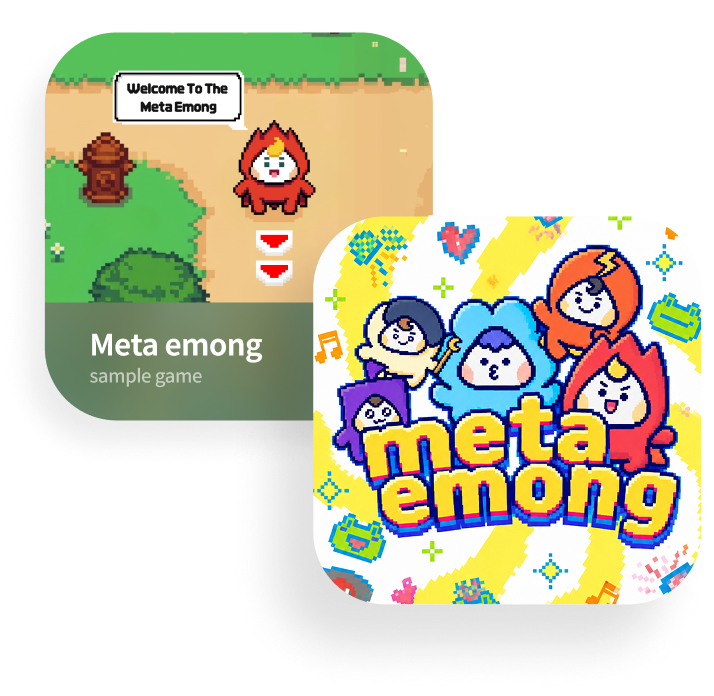
Play sample games provided by STOVE and directly test and verify SDK and API integration.
Next Step
STOVE STUDIO
Configure your game’s store page, build, and pricing in Studio to publish and launch your game.
Go to Studio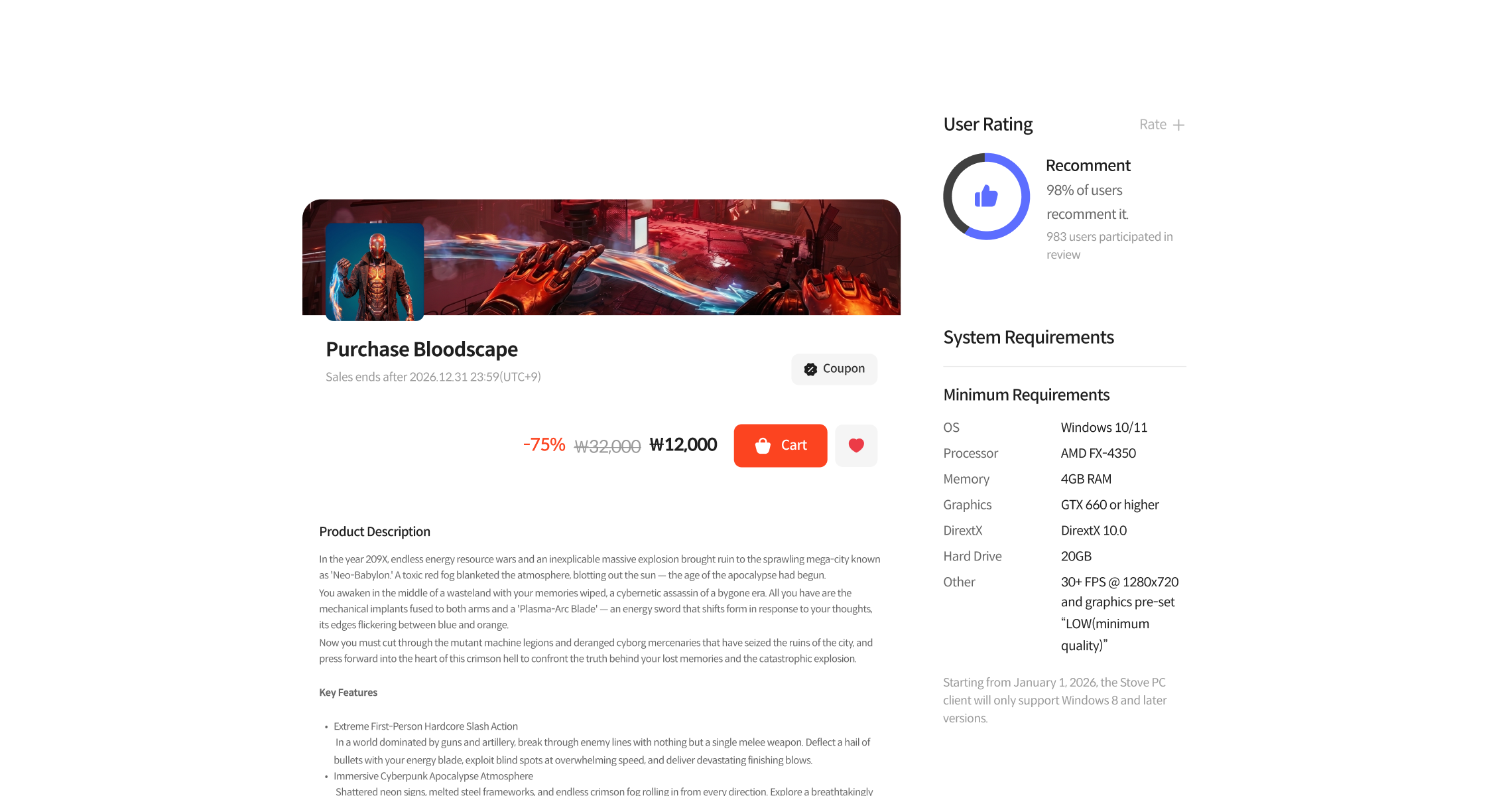
STOVE STORE
Check how your published game is displayed to real users in the Store.
Go to Store