
- Last Updated
STOVE GNB Design
STOVE GNB provides Onstove registration flows, web page language controls, and navigation between games.
This guide covers updates to the redesigned GNB scheduled for November 24, 2025.
Feature Overview
GNB can be used across PC, tablet, and mobile platforms.
The GNB layout is responsive.
Service-specific Customization
Custom areas meet each service's requirements, allowing additional features without deploying a new GNB version.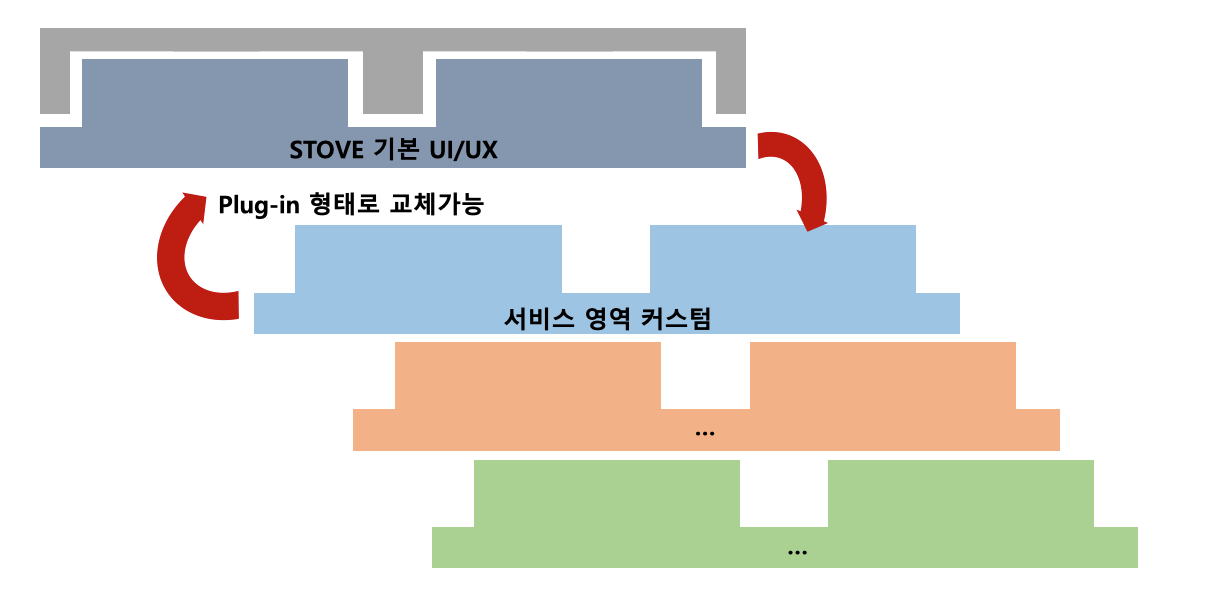
Changes in the Redesigned GNB
- Default design
When logged out: displays Sign Up / Log In.

When logged in: displays Notifications / My Info.

- Default menu
Integrates the STOVE and Store pages.
- GNB options: show or hide the menu.
- Partners: configure menu details under Common GNB Management > Default Menu Management.

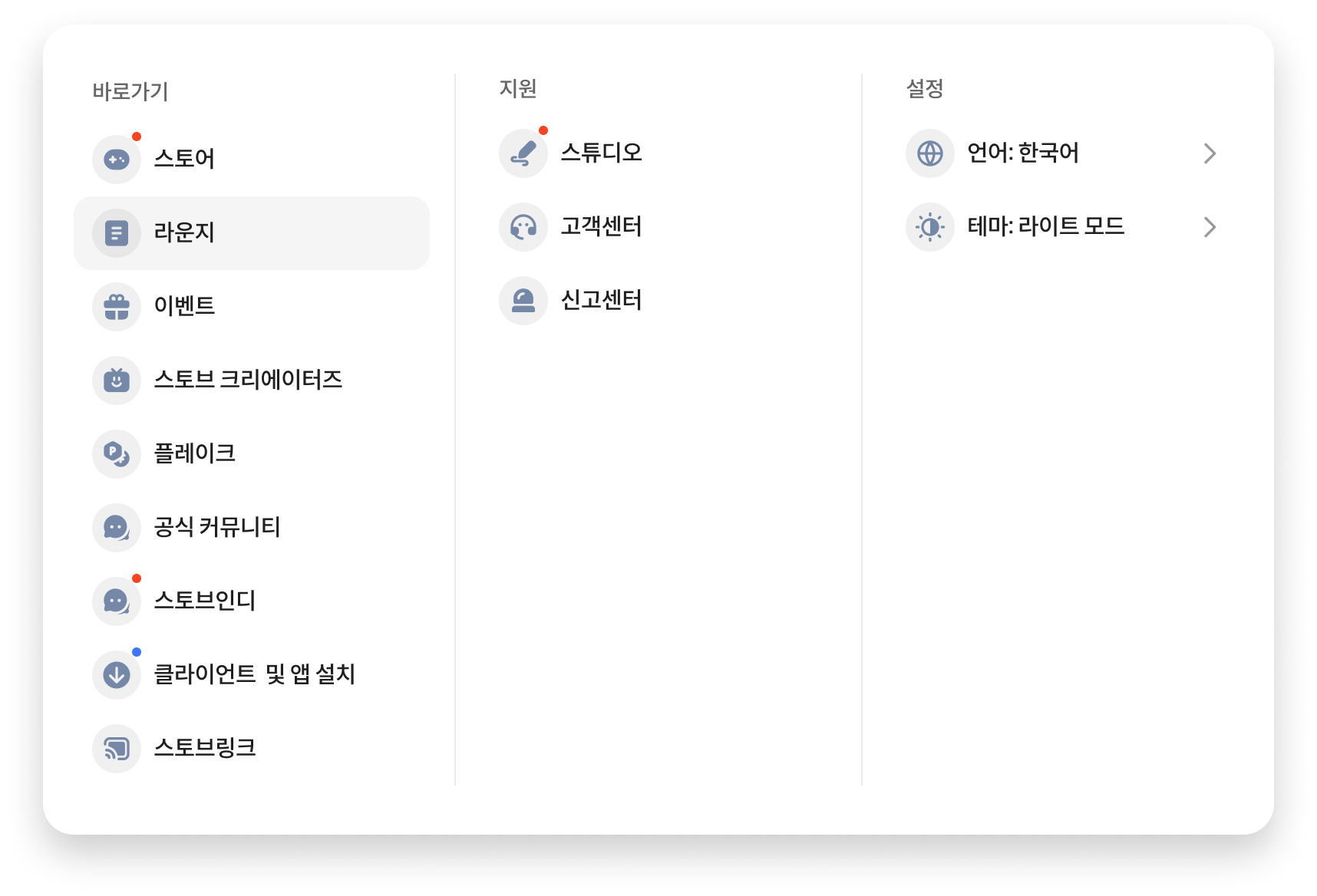
- All menus
Separates menus and games, with language and theme settings.
- GNB options: show or hide language and theme controls.
- Partners: configure menu details under Common GNB Management > All Menus Management.
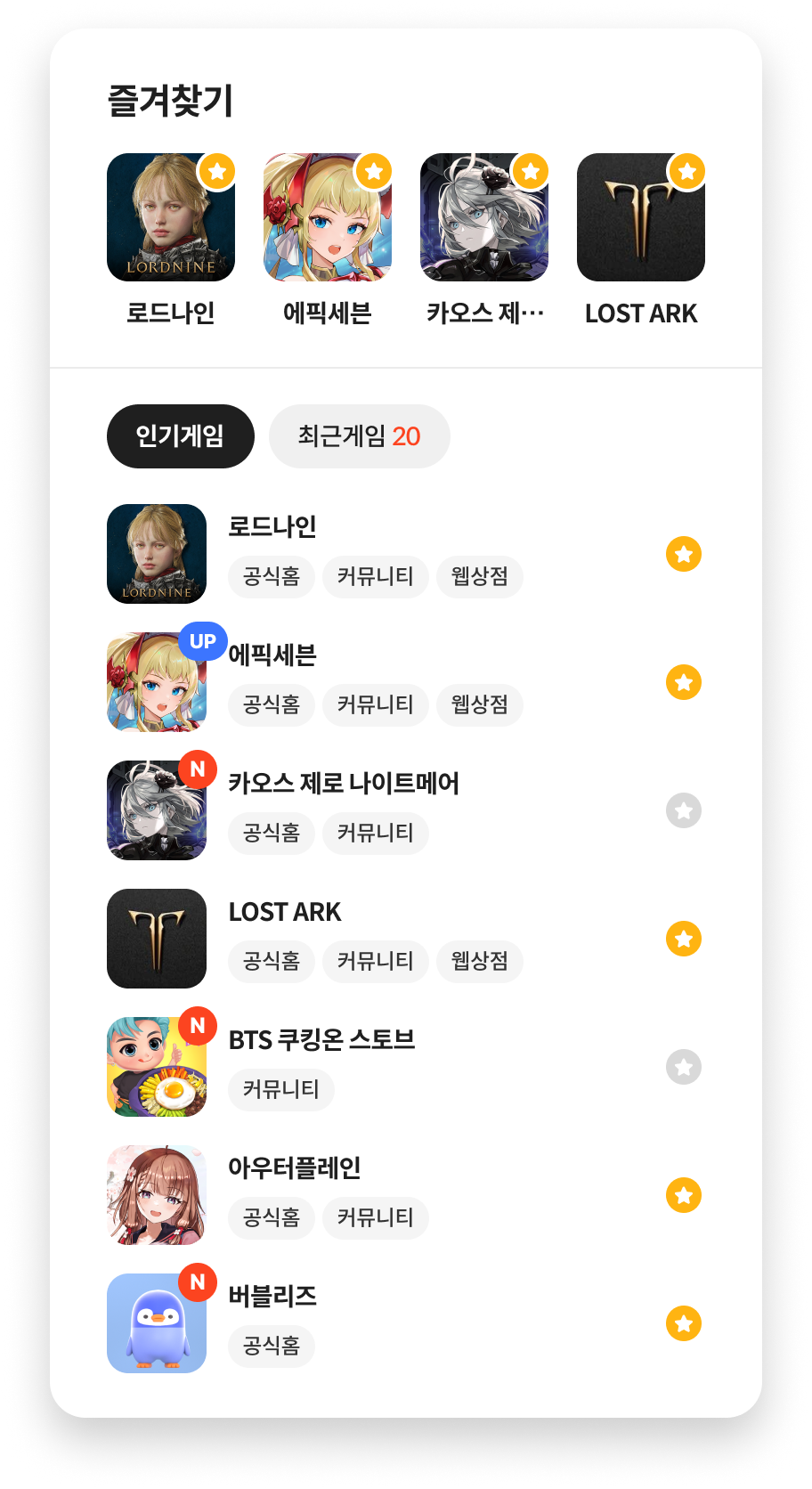
- Favorites
Favorites feature and game list.
- Partners: configure game visibility under Common GNB Management > Popular Games Management.
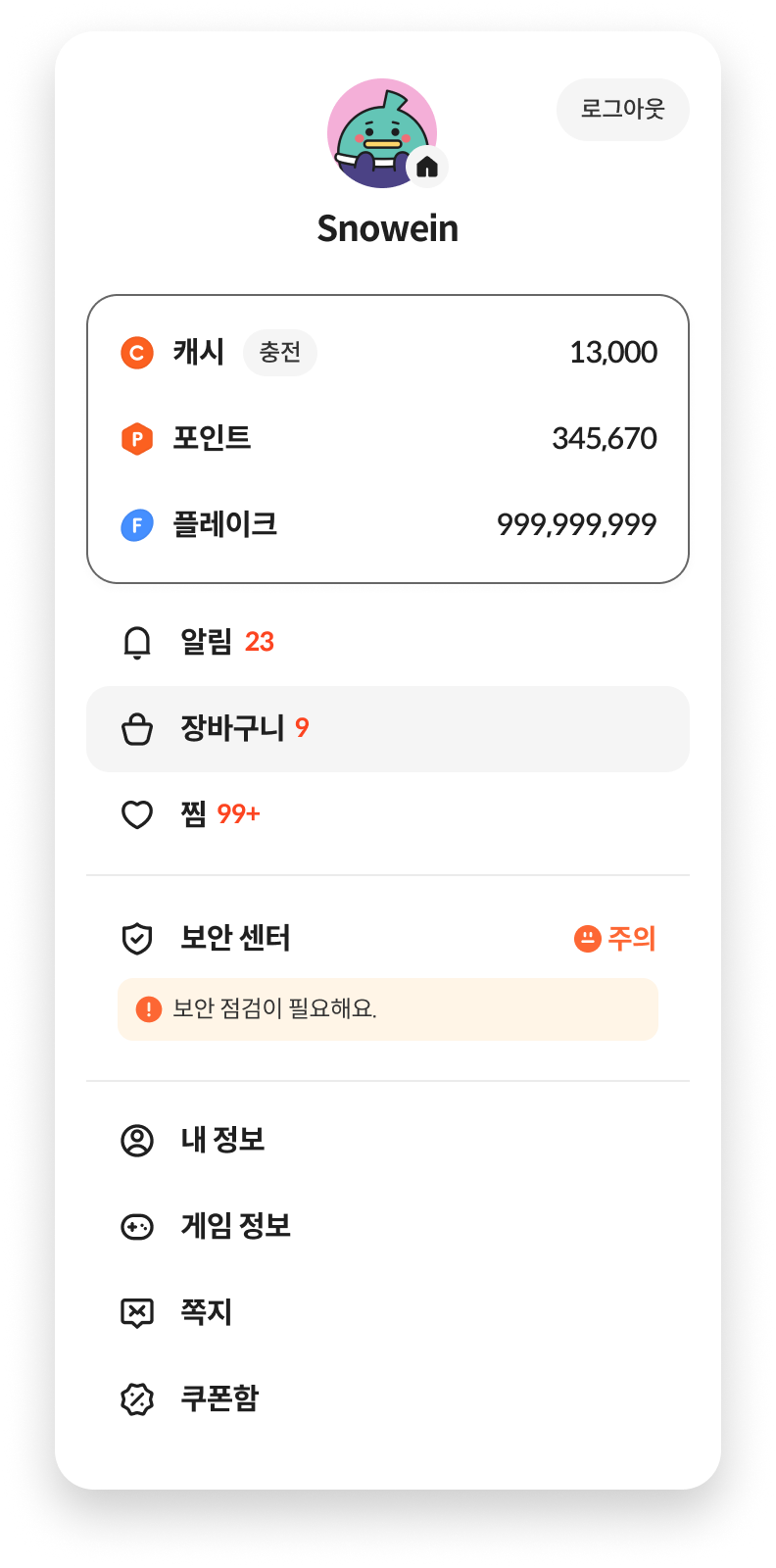
- My Info
Updates the default UI.
- Customer Center and Report Center move to All Menus.
- Mobile support
Adds a bottom menu bar and title settings.
- GNB options: when a title is set, displays a compact logo with the title; otherwise, displays the full logo.
- Partners: menu images must be registered under Common GNB Management > Default Menu Management.
Without a title: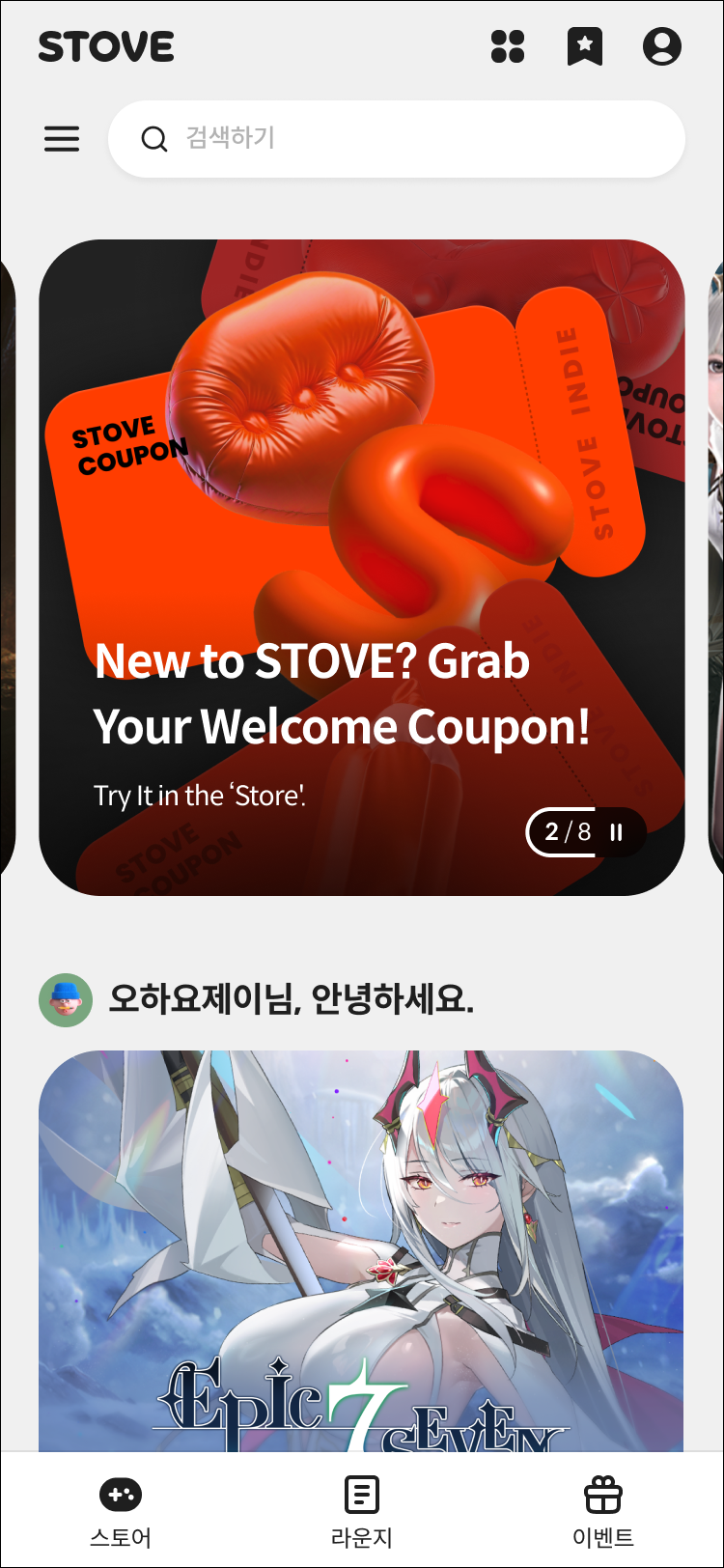
With a title: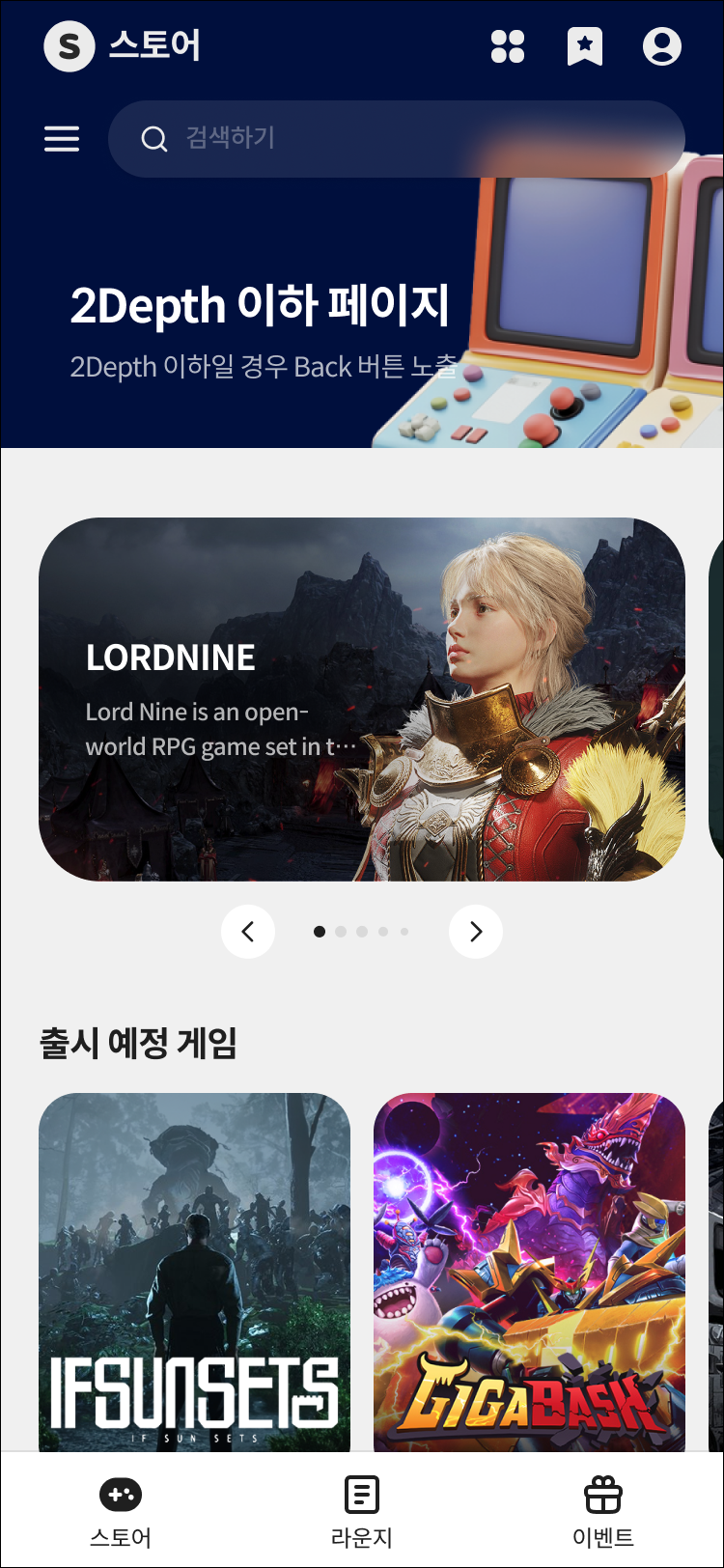
- Service GNB
Guidelines for services other than STOVE.
- Use GNB options to configure the items required by each service.
- Configure visibility and behavior for the service name, STOVE installation, notifications, theme, language, and other features.
Example with default options:
Example with custom options:
Contact Us
If you have any questions, please contact us on Discord or by email at store.support@smilegate.com.